Transport, per term
If your child rides the school bus, the term's fare is here. Paid once a term, not before.
Fees, bills and receipts for your child, paid from the phone you already have. MTN MoMo, Airtel Money or card.

Pay by
Processed by Pesapal.
Your child's 10-digit Plus ID and your own parent code, printed by the school office.
Transport, coaching, swimming, a clinic visit. Every amount is set by the school, never by us.
Switch on what your child uses, then pay by MTN MoMo, Airtel Money or card.
Recorded against the Plus ID. You and the school look at the same payment.
Standing fees come due each term. One-off bills are for one child, once. A fee your child does not use is never counted.
If your child rides the school bus, the term's fare is here. Paid once a term, not before.
Extra lessons, per term.
Per term, if enrolled.
Per term, if enrolled.
One-off bills from the school.
Split a term into parts that fit your pay day. Each part receipted.
Billed to your child only.
Sent to your child's Plus ID, spent at school.
Amounts are set by each school at its own desk. Plus Pay adds no fee of its own.
Warm glass, plain words, and gold only where money moves. Built for a phone held in one hand on a busy morning.
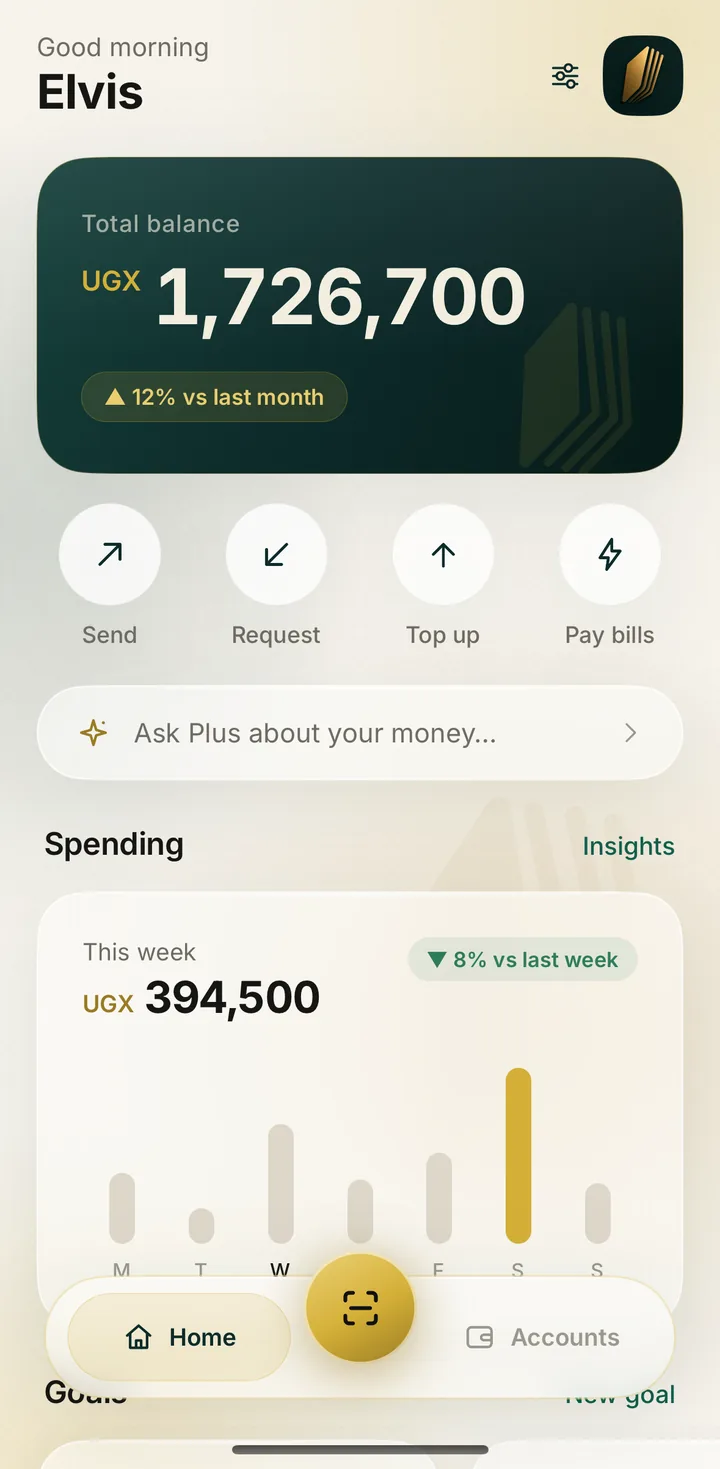
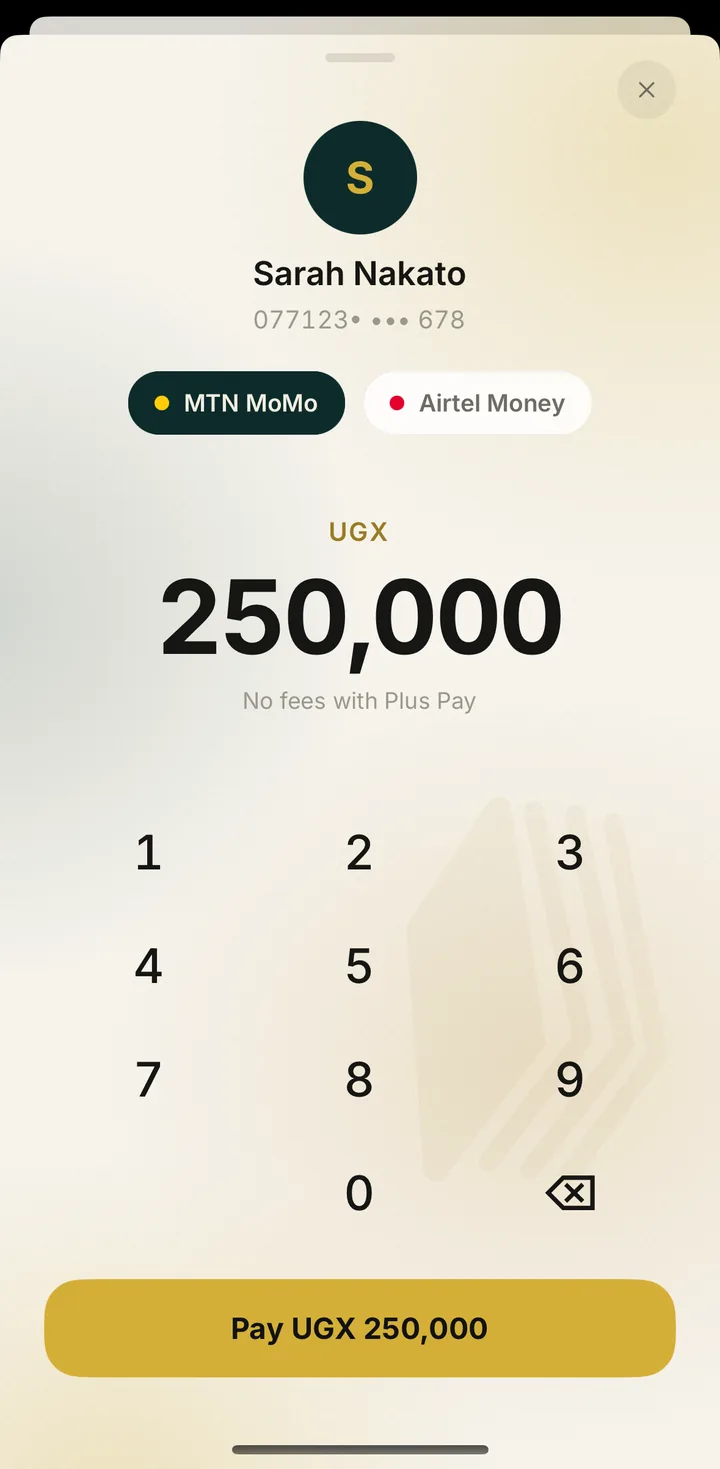
The school desk runs in a browser. An administrator signs in with their own Plus ID and PIN, so nothing about the school lives anywhere but with the school.
Transport, coaching, swimming, soccer. Change an amount and every parent sees it within seconds.
A clinic visit, a trip, a replaced textbook. One child, one amount, once. It appears in the parent's app the moment it is issued.
Every payment is recorded against the child's Plus ID, the same one Plus Learn and PlusBoda use. One record, no arguments.
Not on Plus yet? Write to hello@pluspay.sh and we will set your school up.
With your child's 10-digit Plus ID and your parent code, both on the school card. A child's own PIN is refused: only a parent can pay.
Straight through Pesapal to the school's account. Plus Pay never asks for your mobile money PIN and never holds your money.
The receipt still arrives. The record is written by our servers when Pesapal confirms, not by your phone, so a dropped connection cannot lose a payment.
The money comes back on its own, to the same MoMo, Airtel Money or card, and you are told in plain words what happened. Stuck payments are checked every 30 minutes.
Only the school office can reissue it. After five wrong codes the Plus ID locks for 15 minutes.
Settings, then Account, then Delete account. Or email us from the address you signed in with. Payment records are kept as the law requires.
When money leaves your wallet but the payment cannot finish, Plus Pay refunds it on its own and tells you so. Nothing is left hanging.
Back to your MTN MoMo number
An example, as it appears in the app.
Signing in needs your parent code. A child's own PIN is refused.
Paid through Pesapal on MTN MoMo, Airtel Money or card. The school sees the same record you do.
No mobile money PIN, no card numbers, no ads, no trackers. The parent code is checked by Plus Learn and never stored here.
Free for parents. Sign in with the card from your child's school and pay this term's fees today.